Is your TV acting up? Many common TV problems can be easily diagnosed and sometimes even fixed at home. Understanding these issues can save you time and money before calling a professional.
First, let’s consider power issues. Is your TV not turning on at all? Check the power cord and outlet first. A loose connection or a faulty outlet is often the culprit. If the power cord is securely plugged in and the outlet works, the problem might be with the TV’s internal power supply. This is a more complex issue that usually requires professional repair. Another common problem is a lack of picture or sound. Ensure that all cables (HDMI, component, etc.) are properly connected to both the TV and your devices. Sometimes, simply unplugging and replugging the cables can resolve the issue. If you’re still experiencing problems, try a different cable to rule out a faulty connection.
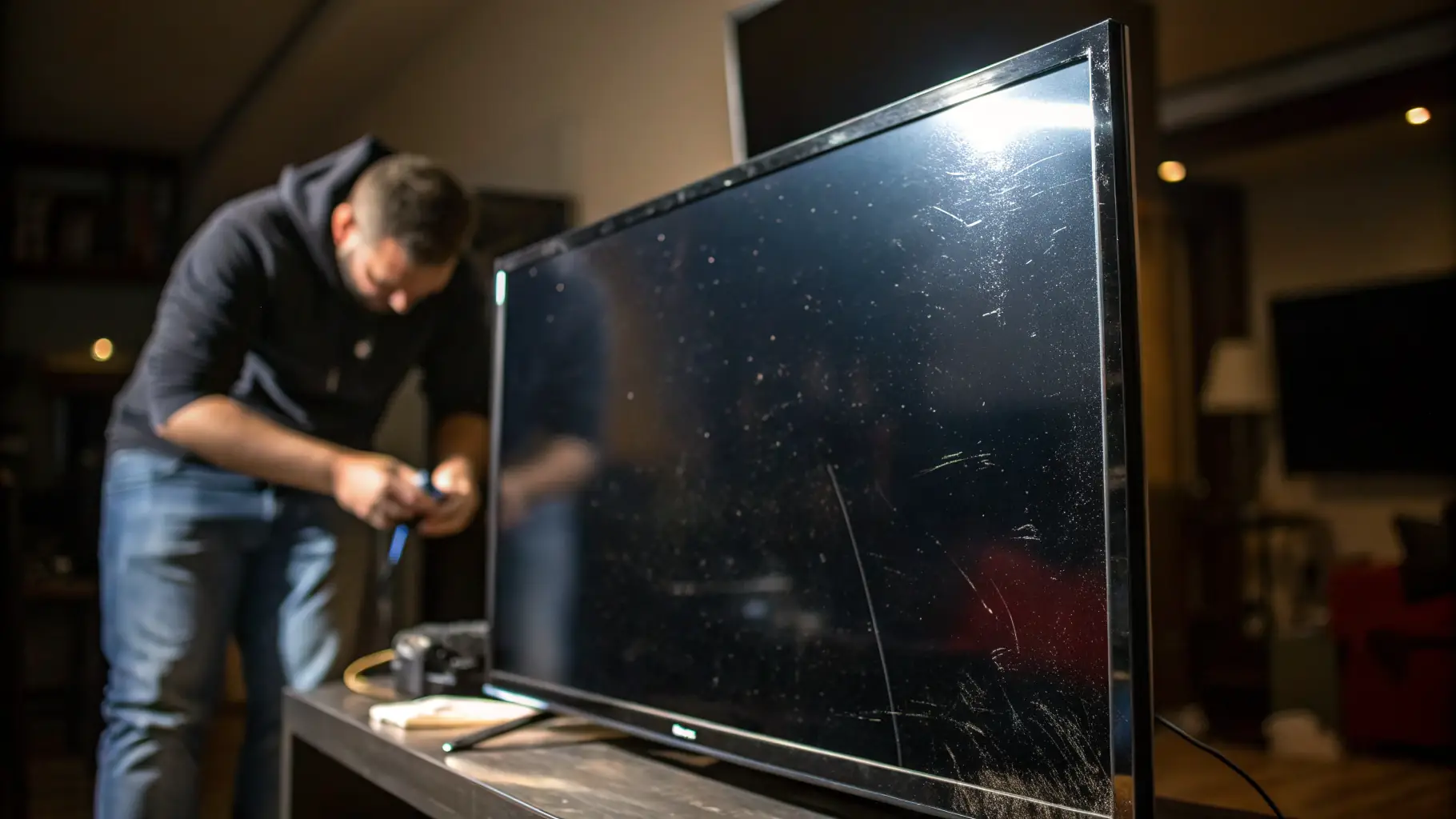
Next, let’s discuss picture quality issues. Are you seeing distorted images, strange colors, or lines on the screen? These problems can stem from various sources. Start by checking your TV’s picture settings. Adjusting the brightness, contrast, and color settings can sometimes improve the picture quality. If the issue persists, it could be a sign of a more serious problem with the TV’s display panel. This is especially true for OLED and LED TVs, where panel issues can be costly to repair. Another common issue is a blurry or pixelated picture. This is often related to the resolution of the content you’re watching. Make sure your TV is set to the correct resolution for the input source. For example, if you’re watching a Blu-ray disc, ensure your TV is set to 1080p or 4K, depending on the disc’s resolution.
Finally, let’s address sound problems. Is your TV’s sound cutting out, distorted, or completely absent? Check the volume settings first, both on the TV and any connected devices. Also, ensure that the TV is not muted. If the volume is turned up and the TV is not muted, the problem might be with the TV’s speakers or audio output. Try connecting headphones to the TV to see if you can hear sound. If you can hear sound through the headphones, the problem is likely with the TV’s internal speakers. If you’ve tried these troubleshooting steps and are still experiencing problems, it’s time to call a professional TV repair service like Xorendi. Our certified technicians can diagnose and repair a wide range of TV issues, ensuring that your TV is back in working order in no time. Contact us today to book a repair!